Individual Project 1
FINAL OUTCOME
FILMING CONCEPT
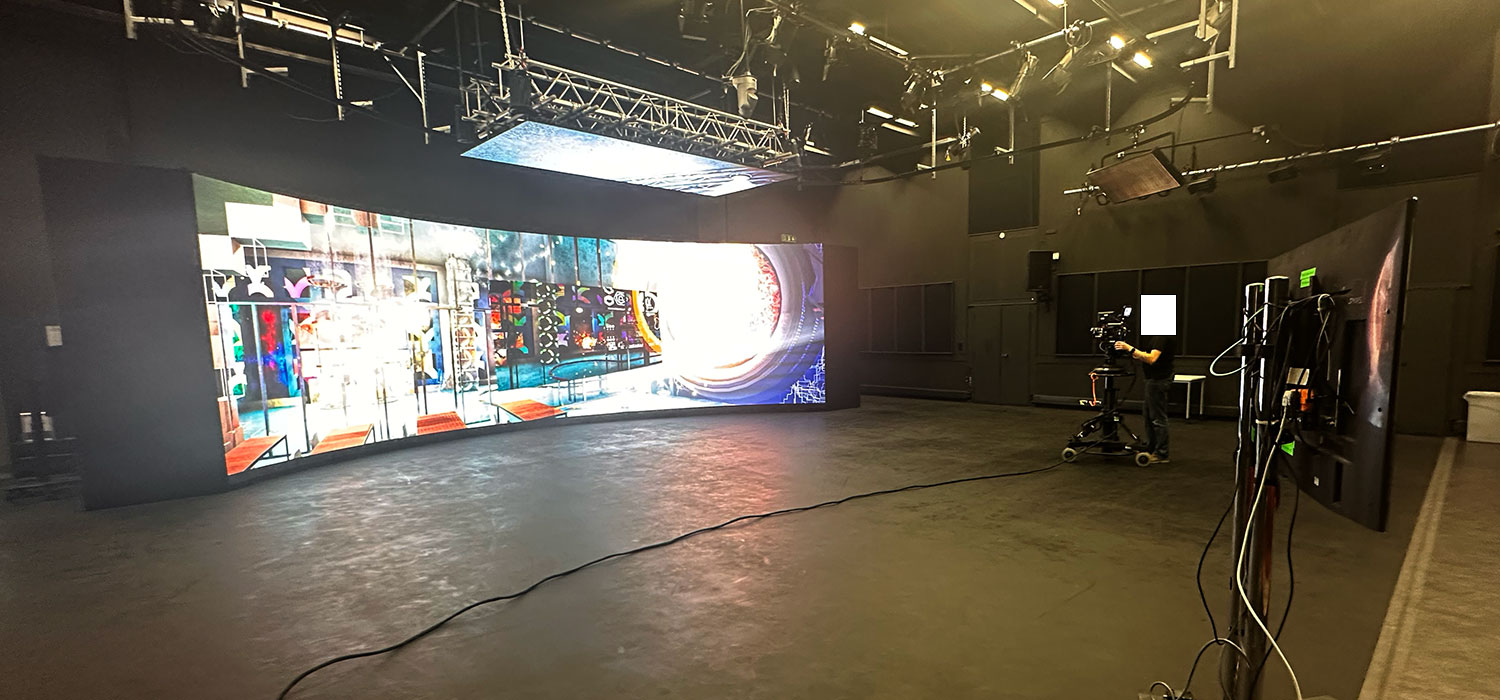
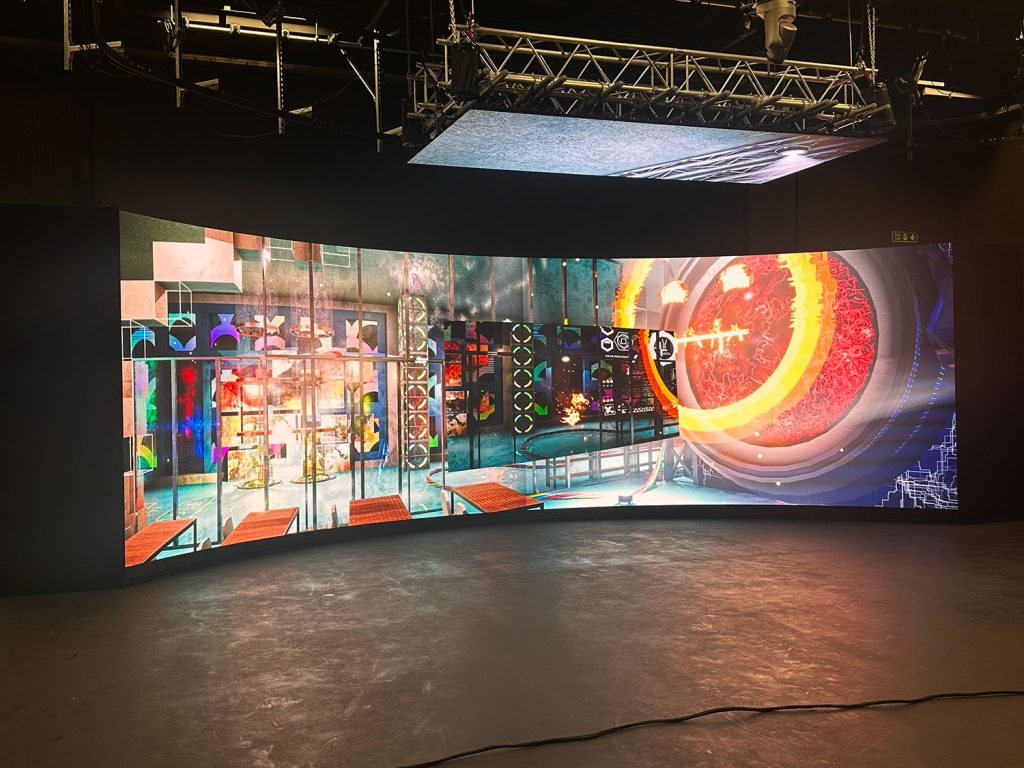
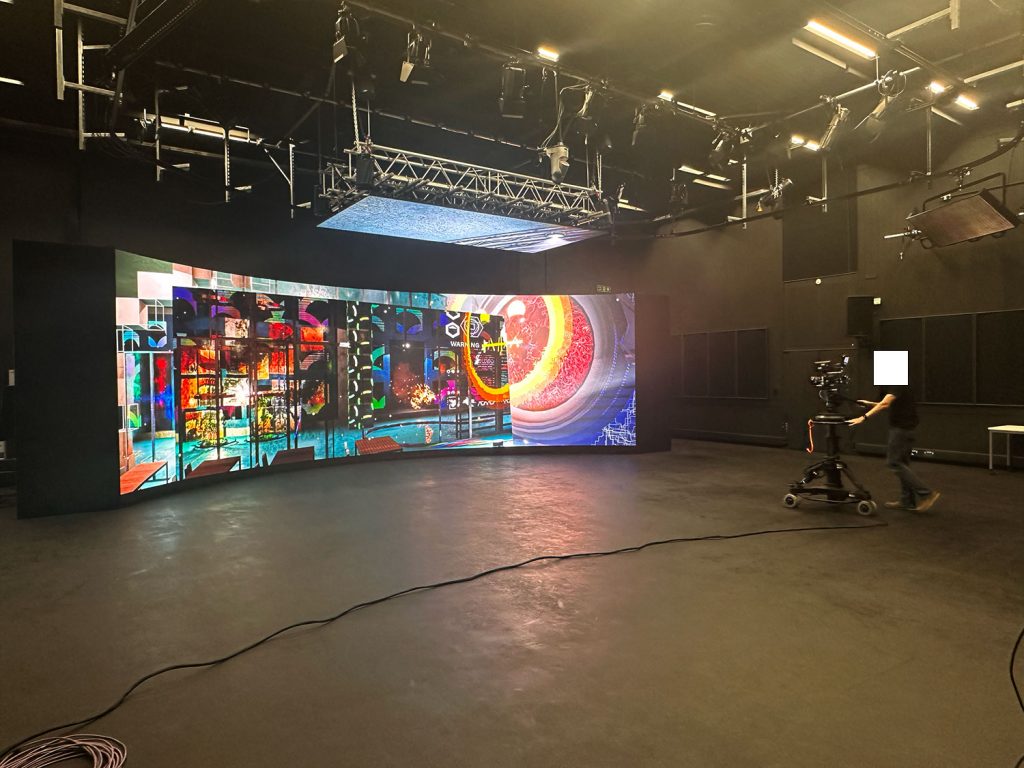
The thinking behind this individual project was to provide and test an Unreal Engine environment on the VP Stage.
PIPELINE
VAD Team (Visual Art Director) – Tech Team – VP Stage
SOFTWARE
Unreal Engine – Unreal Engine file ready for the VP Stage
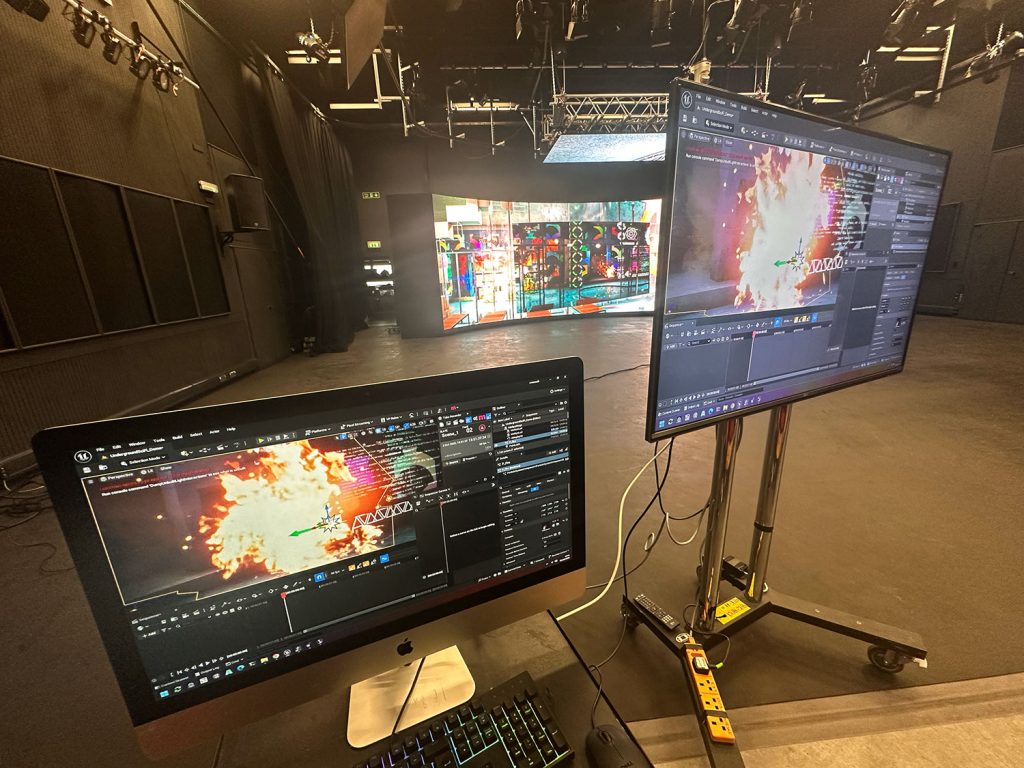
Mo-Sys – For mounting the Unreal Engine final file on the VP Stage
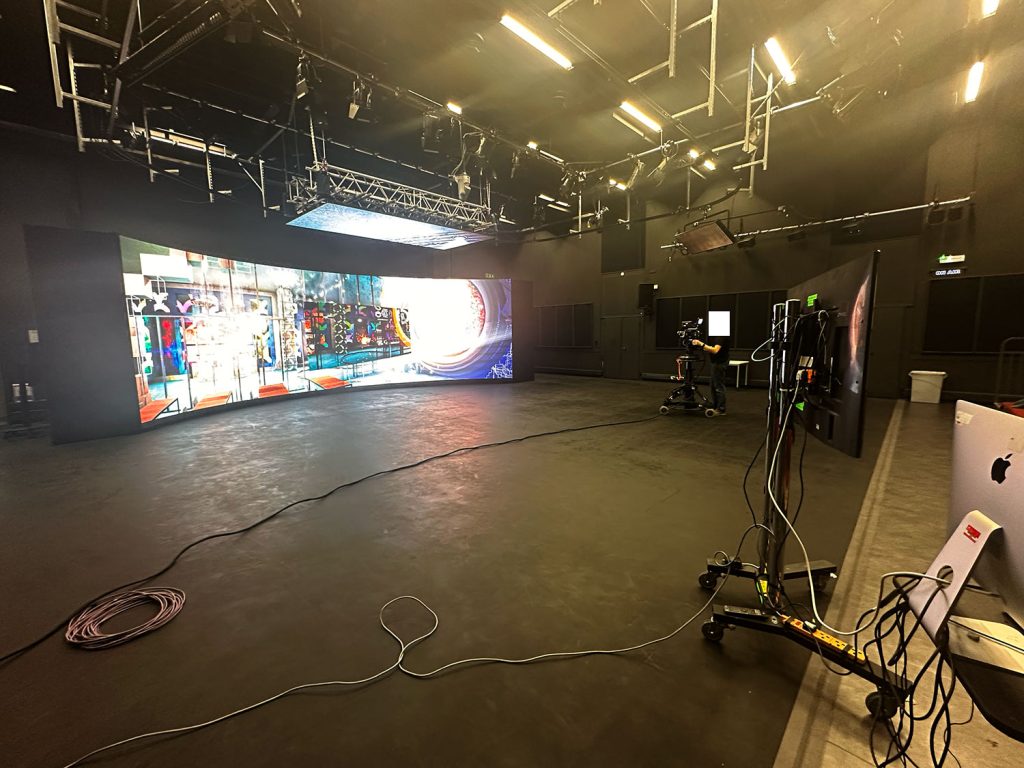
Motion Tracking Camera – Testing how the environment works
PRE-PRODUCTION
The base environment was sourced from fab.com as an interesting complicated space to explore.
PRODUCTION
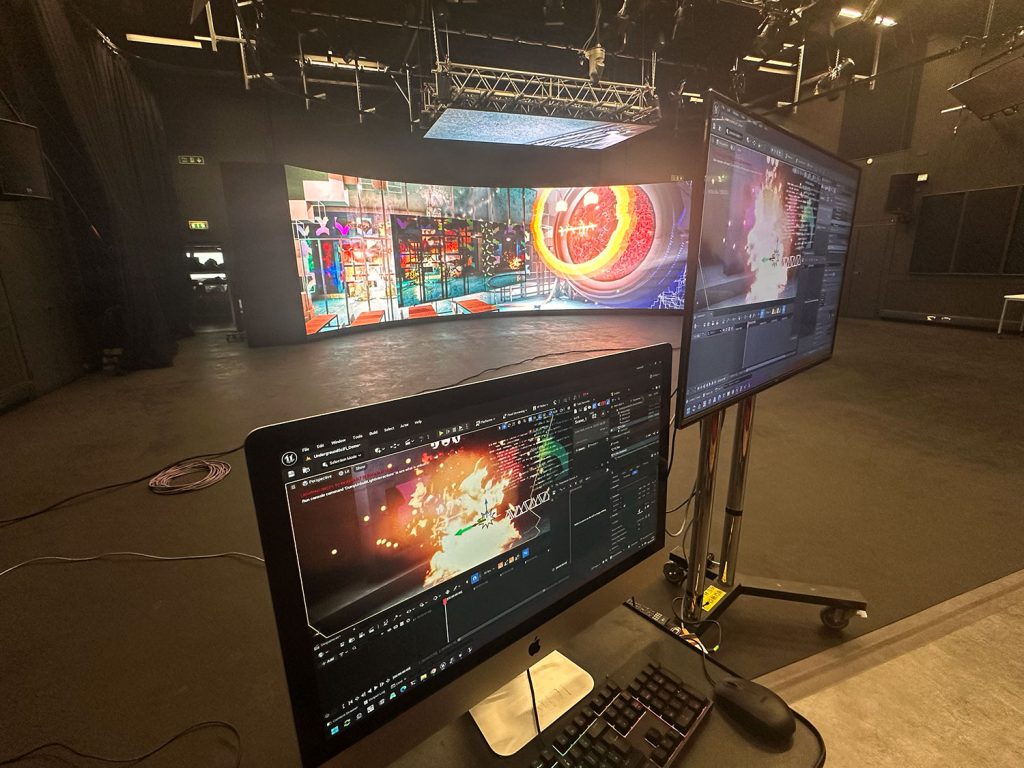
The Unreal Engine enviroment was transfered to the VP Mac and loded onto the VP Stage as part of a demonstration into software usage.
POST-PRODUCTION
There was no post-production as this was explored but not actually fimed on the main motion tracking camera just tested live.
MY PART IN THE PROCESS
My part in this process was as the Visual Art Director. I was responsible for the provision and creation of the Unreal Engine enviroment for testing on the VP Stage. I assisted in the Mo-Sys setup for the stage under instruction and camera operation during the demonstration.
COLLABORATORS
Johnathan Whalvin – VAD Team – Lead
Cameron Owen – VAD Team – Support
Robin A Whal– VAD Team – Support
REFLECTION
This was my first experience uploading an environment to the stage. I have not used Unreal Engine before so support was sourced to access a library of environments on Fab.com where I chose a fitting environment that i felt would showcase colour and complexity on the stage. I assisted under instruction with the Mo-Sys setup to mount the file on the stage. This was my first experience of this software and became aware of the complications of the process.
Once the files were mounted I was able to gain experience operating the camera and seeing how the files worked in that space. Understanding how the frustrum would look and gaining a better understanding of the process. I learned the difference between what you see on the stage and what you see on the final output. The Screen to the side showing the actual output and how you mind needs to work with both.
This gave me a better understanding along with assiting other projects and helped me start planning for future work with a better understanding of what the stage is capable of over and above my previous experience just using it as a projection behind.
Reply